

Maximize Local SEO: How to Optimize Google Business Profile Photos for Better Visibility
Optimized Google Business Profile photos materially enhance local search visibility by showcasing your brand and driving action. Many businesses overlook image optimization, reducing engagement and ranking potential. This guide reveals proven strategies for photo selection, formatting, geotagging, user-generated content integration, performance monitoring, and answers to common optimization questions. By following these steps, local businesses can boost direction requests, website clicks, and customer trust through targeted visual SEO.
What Are the Best Practices for Google Business Profile Photo Optimization?
Optimizing Google Business Profile photos involves selecting relevant images, applying SEO techniques, and maintaining freshness to support local SEO goals. High-quality visuals improve user experience and signal authenticity to search algorithms— for example, a clear storefront image can increase map clicks by over 40%.
Before diving into specifics, the White Oak Digital Blog offers broader local-SEO insights that reinforce these recommendations.
Here are three foundational best practices:
- Ensure all photos are high resolution and directly depict your products, services, or location to reinforce brand authenticity.
- Add descriptive filenames and ALT text—including city or neighborhood names—to boost image relevance in local search queries.
- Schedule monthly photo updates to reflect current offerings, seasons, or promotions, keeping your profile engaging and algorithm-fresh.
These practices lay the groundwork for improved GBP visibility and set the stage for detailed techniques in the next sections.
Photos for Local SEO: Why They Matter and How to Get Them Right
High-quality and relevant images are crucial for local SEO, impacting rankings, conversions, and user behavior. Studies suggest that larger, better-quality photos correlate with improved rankings by helping Google understand user intent and fostering greater trust in the business.
This research reinforces the article’s emphasis on the importance of high-resolution, relevant photos for improving local search visibility and overall user experience.
Which Photo Types Should You Add to Your Google Business Profile?

Your GBP should display six essential image categories:
- Logo – Establishes brand identity.
- Cover – Offers a memorable first impression.
- Interior/Exterior – Shows customers what to expect on-site.
- Products/Services – Highlights offerings in real settings.
- Team – Builds personal connection with staff shots.
By combining these types, businesses create a comprehensive visual narrative that encourages trust and exploration.
What Are Google’s Photo Guidelines and Size Requirements?
Google requires images between 10 KB and 5 MB in JPEG or PNG formats at a minimum of 720×720 pixels. Photos should maintain a 4:3 aspect ratio and avoid excessive filters or overlays. Adhering to these specifications ensures images load quickly and meet platform quality standards.
How Can You Use Geotagging and Descriptive Filenames to Improve Photo SEO?
Embedding GPS coordinates into image metadata provides location context that search engines interpret as a local relevance signal. Pair geotagging with filenames like to reinforce proximity queries. This combination directly improves local ranking potential by linking images to your service area.
Why Is Regularly Updating Your Photos Important for Local SEO?
Fresh photos demonstrate active management, encouraging both customer engagement and algorithmic re-crawls. Profiles updated within the last 30 days consistently outperform static profiles in map pack visibility metrics. Regular updates also give returning customers new reasons to revisit your listing.
How Do Google Business Profile Photos Impact Local Search Rankings and Customer Engagement?
High-quality GBP photos influence key ranking factors by enhancing relevance, authority, and user satisfaction. Visual content engages viewers immediately, increases click-through rates, and signals business credibility. For example, relevant photos correlate with higher map pack placements and longer view times.
These metrics underline how images bridge discovery and action, setting the stage for deeper exploration of ranking influences and engagement strategies.
Mastering Google Business Profile: A Guide to Approving Your Photos with Ease
Optimized Google Business Profile photos significantly enhance local search visibility and customer engagement. Businesses with photos reportedly receive 42% more requests for directions and 35% more click-throughs to their websites, underscoring the critical role of visual content in influencing consumer behavior and local SEO performance.
This citation directly supports the article’s claims regarding the statistical uplift in direction requests and website clicks attributed to optimized Google Business Profile photos.
What Ranking Factors Are Influenced by GBP Photos?
High-quality photos improve bounce rates, dwell time, and click-through rates, all of which feed into local pack ranking algorithms. Images also enhance perceived trust, reducing search abandonment and reinforcing relevance signals.
How Do Photos Increase Customer Interaction and Trust?
Visuals showing real spaces, products, or staff personalize experiences and reduce decision-making friction. Customers are more likely to call or visit when they see authentic images, supporting stronger trust and higher conversion rates.
What Statistics Support the SEO Value of Optimized Photos?
Studies show businesses with optimized GBP photos receive 42 % more direction requests and 35 % more website clicks. Profiles with diverse image types often rank in the top three of local search results nearly 50 % of the time.
How Can You Leverage User-Generated Content (UGC) Photos to Boost Your Google Business Profile?
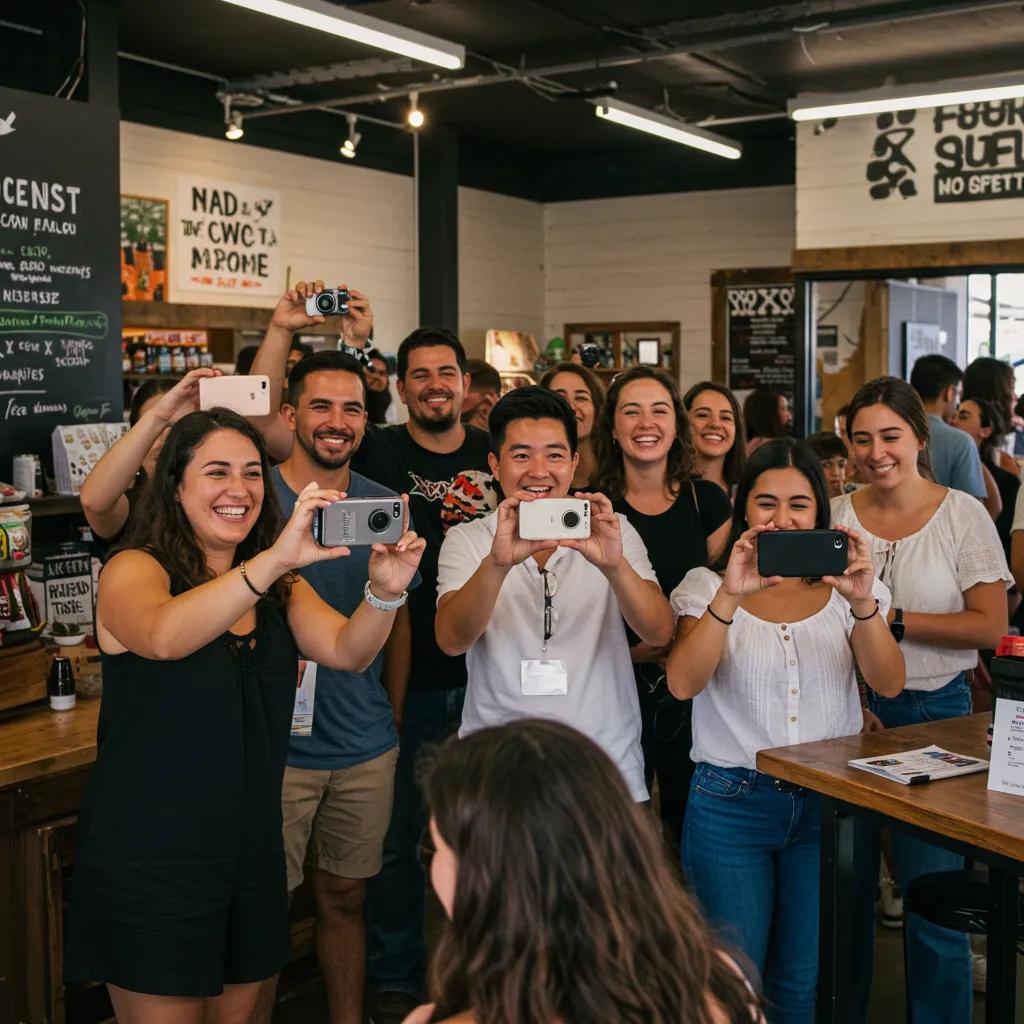
Encouraging customers to submit photos provides authentic social proof and a continuous influx of fresh visuals. UGC images highlight real experiences, building trust and signaling active engagement to search engines.
Here are three strategies for effective UGC management:
- Prompt satisfied customers to share images via post-visit emails or QR codes linking to your GBP.
- Curate submissions by approving high-quality photos and responding promptly to contributors.
- Feature standout customer shots in posts or cover rotations to showcase community endorsement.
Using UGC to Fuel Local SEO: Strategies for Community Engagement
User-Generated Content (UGC), including customer-submitted photos and reviews, is a powerful tool for local SEO. It builds authenticity and trust, signals active engagement to search algorithms, and can significantly influence local search ranking factors by providing genuine social proof.
This citation validates the article’s section on leveraging user-generated content to boost Google Business Profile performance through enhanced credibility and algorithmic signals.
Why Are Customer-Submitted Photos Valuable for Local SEO?
Customer photos depict genuine experiences, increasing authenticity signals that search algorithms reward. They also broaden your image pool without extra production costs, enhancing diversity and freshness.
How Do You Encourage and Manage User-Generated Photos Effectively?
Offer incentives like small discounts or social media features in exchange for submissions. Use a simple approval workflow to ensure only high-resolution, on-brand images appear on your profile.
What Role Do Reviews and Photos Play Together in Building Authority?
When positive reviews accompany customer photos, they create a powerful trust combination. Reviews provide textual endorsement while images validate those claims, reinforcing business authority in both user perception and algorithmic scoring.
How Do You Measure and Monitor the Performance of Your Google Business Profile Photos?
Tracking photo engagement helps refine your visual strategy and maintain SEO momentum. Insights data provides actionable metrics that correlate directly with local performance.
Monitoring these KPIs guides decisions on which photo types to expand or retire, ensuring your profile remains optimized for search and user engagement.
What Metrics Should You Track in Google Business Profile Insights?
Track Photo Views, Photo Clicks, and Direction Requests weekly to spot trends. These metrics reveal which images attract interest and drive customer actions.
How Can Photo Performance Data Inform Your Optimization Strategy?
By comparing views and actions, you can prioritize updating images that underperform and replicate attributes of high-engagement photos—such as lighting, subject matter, or composition.
Which Tools Help Monitor Local SEO and Photo Engagement?
Leverage Google Business Profile Insights for core data, Google Search Console for organic visibility, and specialized local SEO tools like BrightLocal for competitive benchmarking.
What Are the Common Questions About Optimizing Google Business Profile Photos?
Below are succinct answers to key optimization concerns, making it easy for businesses to implement impactful visual SEO techniques.
How Do I Optimize My Google Business Profile Photos for Local SEO?
Use high-resolution images, adhere to Google’s size and format guidelines, include local keywords in filenames/ALT text, and cover diverse categories—logo, cover, interior, exterior, products, and team shots.
What Is the Best Size and Format for Google Business Profile Photos?
JPEG or PNG files between 10 KB and 5 MB, sized at least 720×720 pixels with a 4:3 aspect ratio, ensure fast loading and compliance with Google’s quality standards.
Do Google Business Profile Photos Really Help SEO?
Yes, optimized photos boost visibility by increasing click-through rates, direction requests, and dwell time, all of which feed into local ranking algorithms.
How Can I Get More Views on My Google Business Profile Photos?
Regularly add new images, encourage customer submissions, and promote your GBP link on social media and email campaigns to drive traffic and engagement.